> For the complete documentation index, see [llms.txt](https://docs.dropzone.ai/llms.txt). Markdown versions of documentation pages are available by appending `.md` to page URLs; this page is available as [Markdown](https://docs.dropzone.ai/integrations/data/vulncheck.md).
# VulnCheck
{% hint style="info" %}
VulnCheck is a Vulnerability Database integration. Vulnerability Database Data Source integrations are used during investigations to improve analysis and in interactive chat to help answer questions. They are optional, but enabling more tooling integrations enhances Dropzone analysis.
{% endhint %}
The Dropzone AI platform integrates with [VulnCheck](https://www.vulncheck.com/), a database that identifies and assess known cybersecurity vulnerabilities, providing information on their historical use by threat actors, ransomware and botnets, and whether IPs are actively exploiting them.
## Create an API Key
VulnCheck requires an API key to enable.
To obtain an API Key, do the following:
* Log into VulnCheck
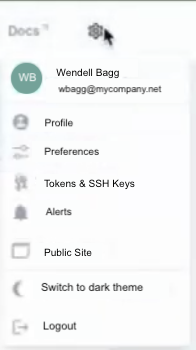
* Click your user profile in the top right, then click "Tokens & SSH Keys"
Navigate to Tokens & SSH Keys
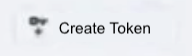
* In the upper right, click "Create Token"
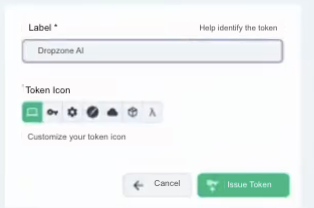
* Name the token something memorable, such as Drozpone AI
* Select the key Token Icon
* Click "Create"
Create the API key
* Record the value shown for use later in the Dropzone UI where it is called "API key"
## Enable VulnCheck
To enable the Data Source integration, do the following:
* Navigate to your Dropzone AI tenant home page e.g. https\://*mycompany*.dropzone.app
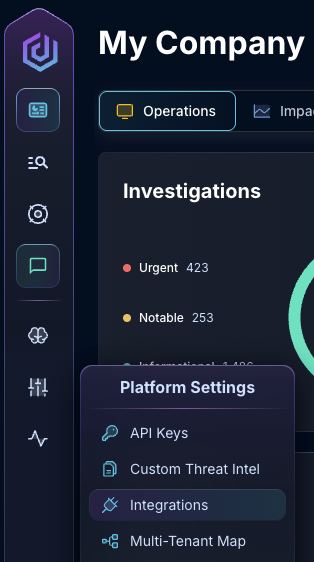
* In the left side bar, navigate to Platform Settings > Integrations
Integrations Dropdown
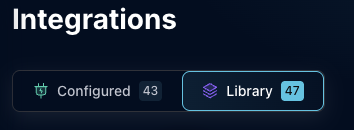
* Click "Library"
{% hint style="info" %}
If you have previously integrated this application, click "Configured"
{% endhint %}
Click Library
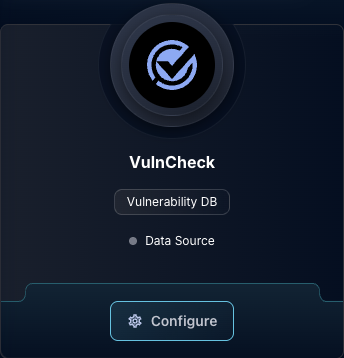
* In the Search bar, search VulnCheck, then click "Configure"
The VulnCheck Tile
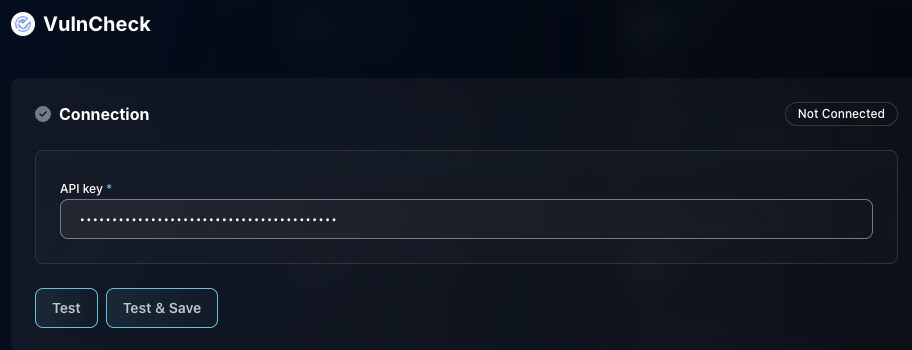
* Input the API Key
* Click "Test & Save" to finish
The VulnCheck Data Source Configuration
If you have any errors contact our Customer Success team.