> For the complete documentation index, see [llms.txt](https://docs.dropzone.ai/llms.txt). Markdown versions of documentation pages are available by appending `.md` to page URLs; this page is available as [Markdown](https://docs.dropzone.ai/integrations/data/sentinelone_data.md).
# SentinelOne
The Dropzone AI Platform integrates with SentinelOne, an endpoint cybersecurity platform that protects against various types of threats. Integrating SentinelOne with Dropzone allows Dropzone to automatically investigate security incidents in your SentinelOne environment.
## Create a Service User and API Key
SentinelOne requires an API key from a Service User with Viewer Access to enable.
To obtain an API Key, do the following:
* Log in to the SentinelOne Management Console
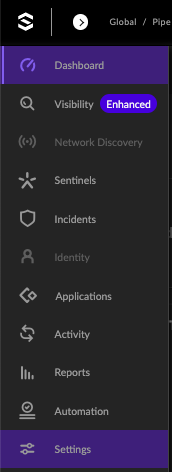
* In the left navigation bar of the SentinelOne dashboard, click "Settings"
Settings
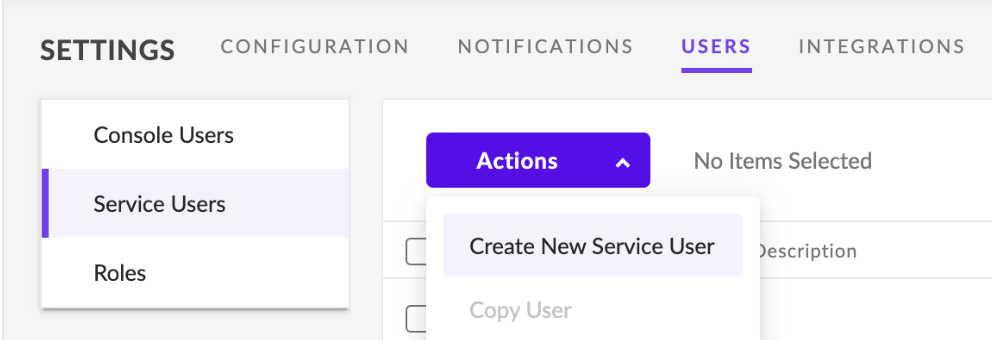
* Navigate to Users > Service Users
* Click the Actions dropdown, then click "Create New Service User"
Create New Service User
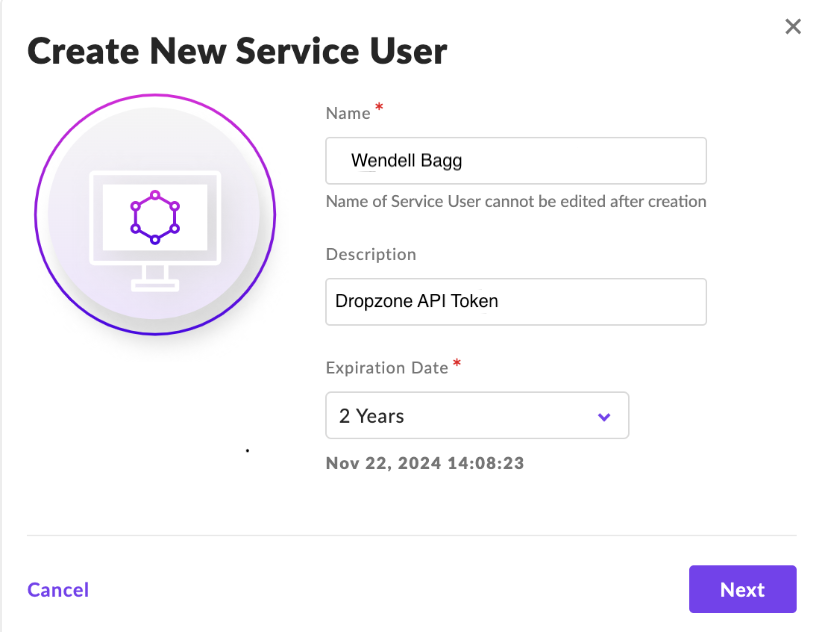
* Enter the Name, Description, and Expiration Date, then click "Next"
Enter information
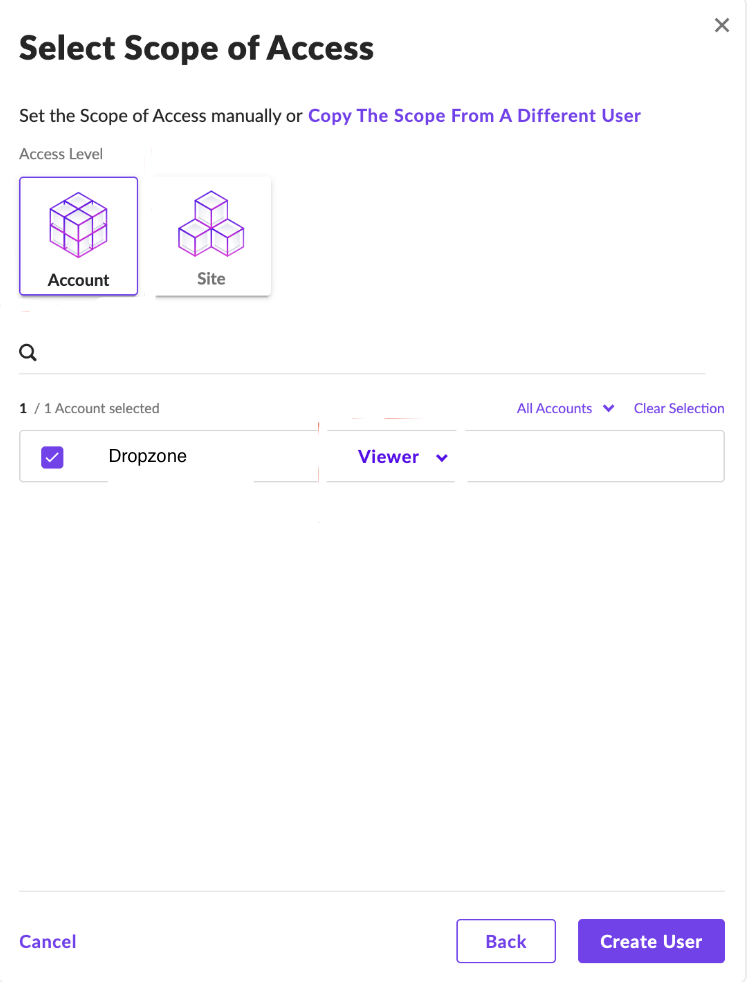
* Under Access Level, select "Account." Select the newly generated account and set the role to Viewer
Assign roles to the new Account
* Click "Create User"
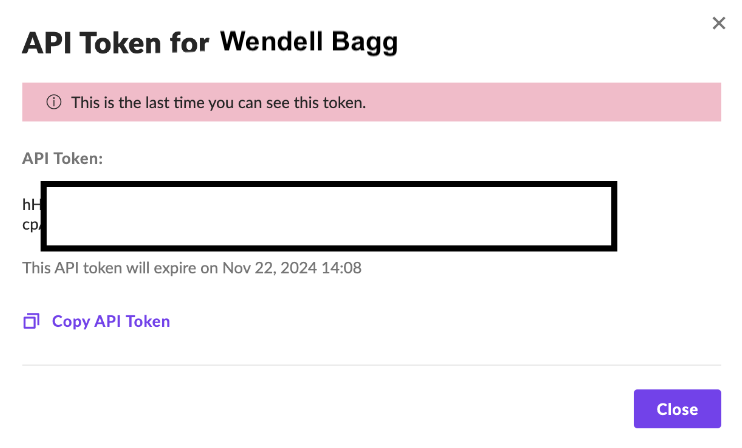
* Copy the API Token shown for use later in the Dropzone UI where it is called "API Token"
Copy API Token
## Enable SentinelOne
To enable the Data Source integration, you'll need the following information:
| Dropzone Field | Source |
| ------------------------ | ------------------------------------------------------------------------- |
| SentinelOne Hostname | Your SentinelOne Hostname, e.g. usea1-123.sentinelone.net |
| API Token | The API token value you copied earlier |
| SentinelOne XDR Hostname | Your Singularity Data Lake Console hostname, e.g. xdr.us1.sentinelone.net |
To enable the Data Source integration, do the following:
* Navigate to your Dropzone AI tenant home page e.g. https\://*mycompany*.dropzone.app
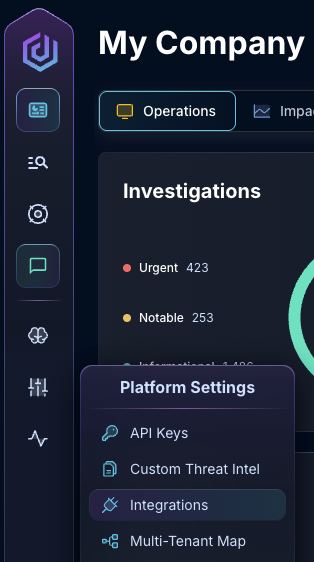
* In the left side bar, navigate to Platform Settings > Integrations
Integrations Dropdown
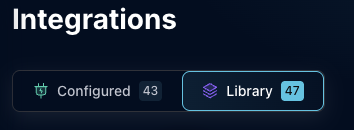
* Click "Library"
{% hint style="info" %}
If you have previously integrated this application, click "Configured"
{% endhint %}
Click Library
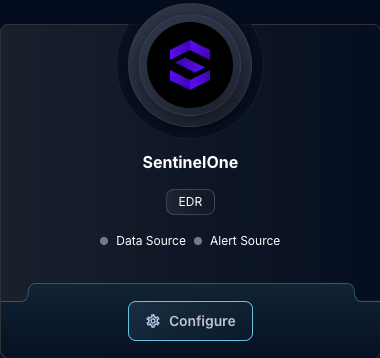
* In the Search bar, search SentinelOne, then click "Configure"
The SentinelOne Tile
* Under the Data Source header, input your SentinelOne hostname and API Token
* To allow Dropzone to use the XDR API, check the box labeled "Enable XDR API," then input your hostname for the Singularity Data Lake Console
{% hint style="warning" %}
Enabling the XDR API is optional, but provides crucial investigation data.
{% endhint %}
The SentinelOne Data Source Configuration
* Click "Test & Save"
If you have any errors or questions, contact our Customer Success team.